
Easy Setup Guide
Set Up Your Wallet in 5 Minutes
Follow this step-by-step guide to create your Coinbase Wallet and start receiving SPNDAT tokens
Your Progress0 of 5 steps completed
1
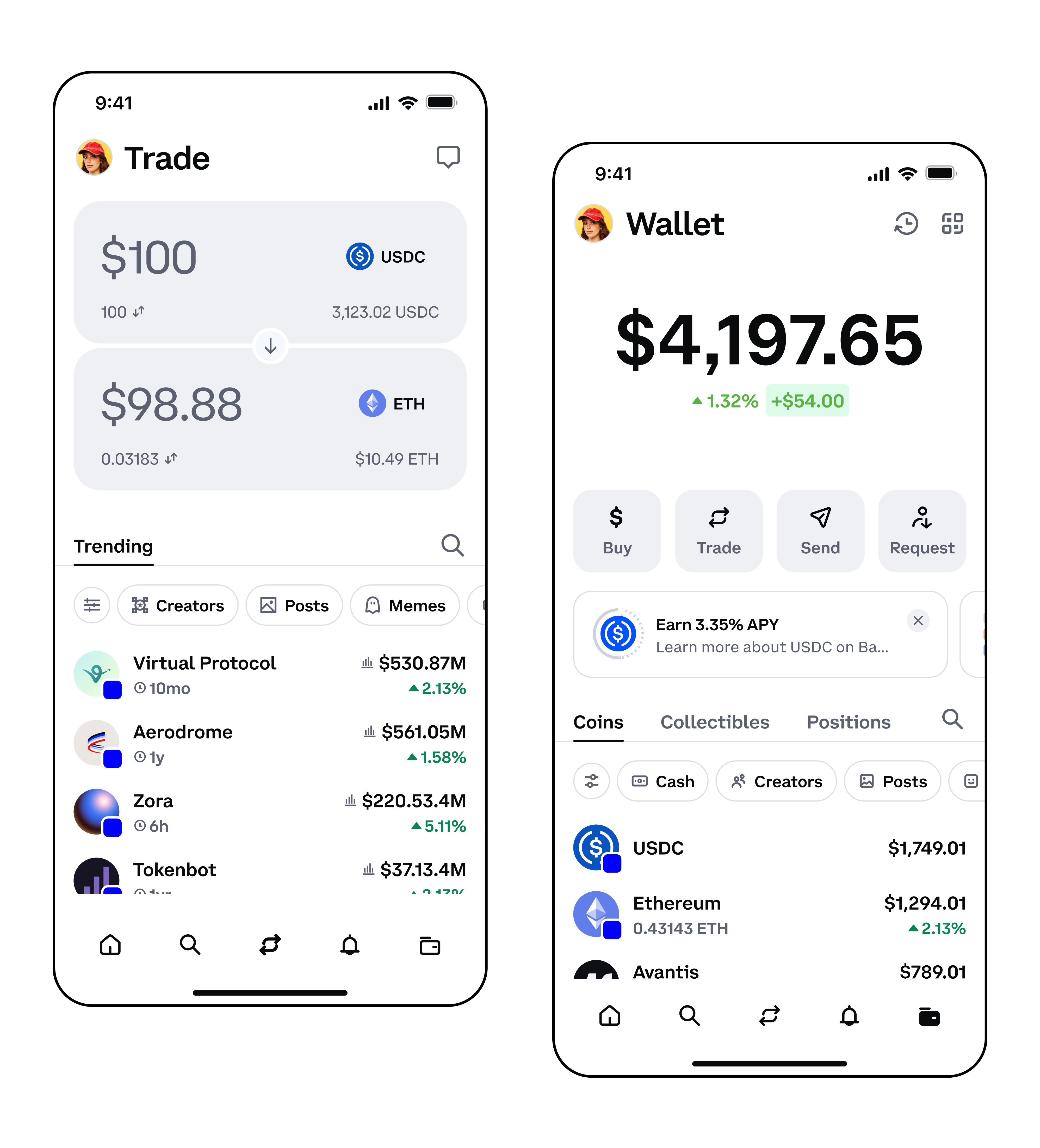
Download Coinbase Wallet
Get the official Coinbase Wallet app on your phone
1
Open the App Store (iPhone) or Google Play Store (Android)
2
Search for 'Coinbase Wallet' or 'Base'
3
Look for the blue square icon with a white circle
4
Tap 'Install' or 'Get' to download
5
Wait for the app to finish installing
💡 Pro Tip: Make sure it's the official Coinbase Wallet app, not the regular Coinbase app!
2
Create Your Wallet
Set up a new wallet in under 2 minutes
3
Backup Your Recovery Phrase
This is the most important step - don't skip it!
4
Find Your Wallet Address
Get your unique Ethereum address to receive SPNDAT tokens
5
Add SPNDAT Token
Make your SPNDAT tokens visible in your wallet
Need Help?
Common questions and resources
Still stuck?
We're here to help! Contact us and we'll walk you through the process personally.
Request White Glove Service